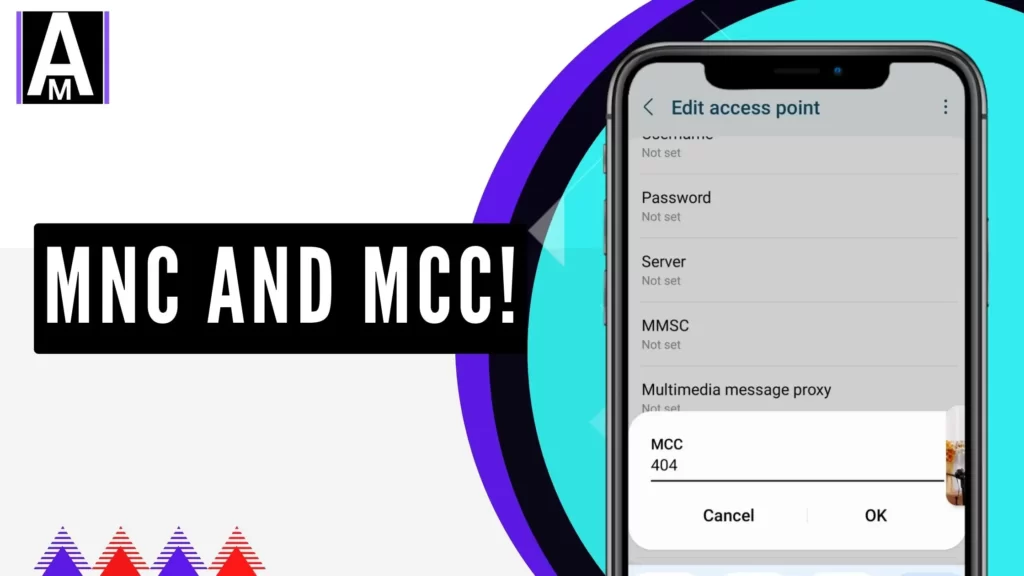
When setting up APN (Access Point Name) settings on your phone, you’ve likely seen fields labeled MCC (Mobile Country Code) and MNC (Mobile Network Code). At first, they might seem like just another set of numbers, but they play a critical role in determining whether your device connects to the right network.
I ran into this issue when my phone kept losing internet access, despite having the correct APN settings. It turned out that an incorrect MNC value was the culprit—causing my APN to reset every time I rebooted my phone. Through research, testing, and troubleshooting, I discovered that MCC and MNC values are far more important than most APN guides mention.
If you’ve ever had disappearing APN settings, failed mobile data, or constant disconnections, your MCC/MNC values might not be set correctly. In this guide, I’ll break down how they work, how to find them, and how to fix common MCC/MNC-related network problems.
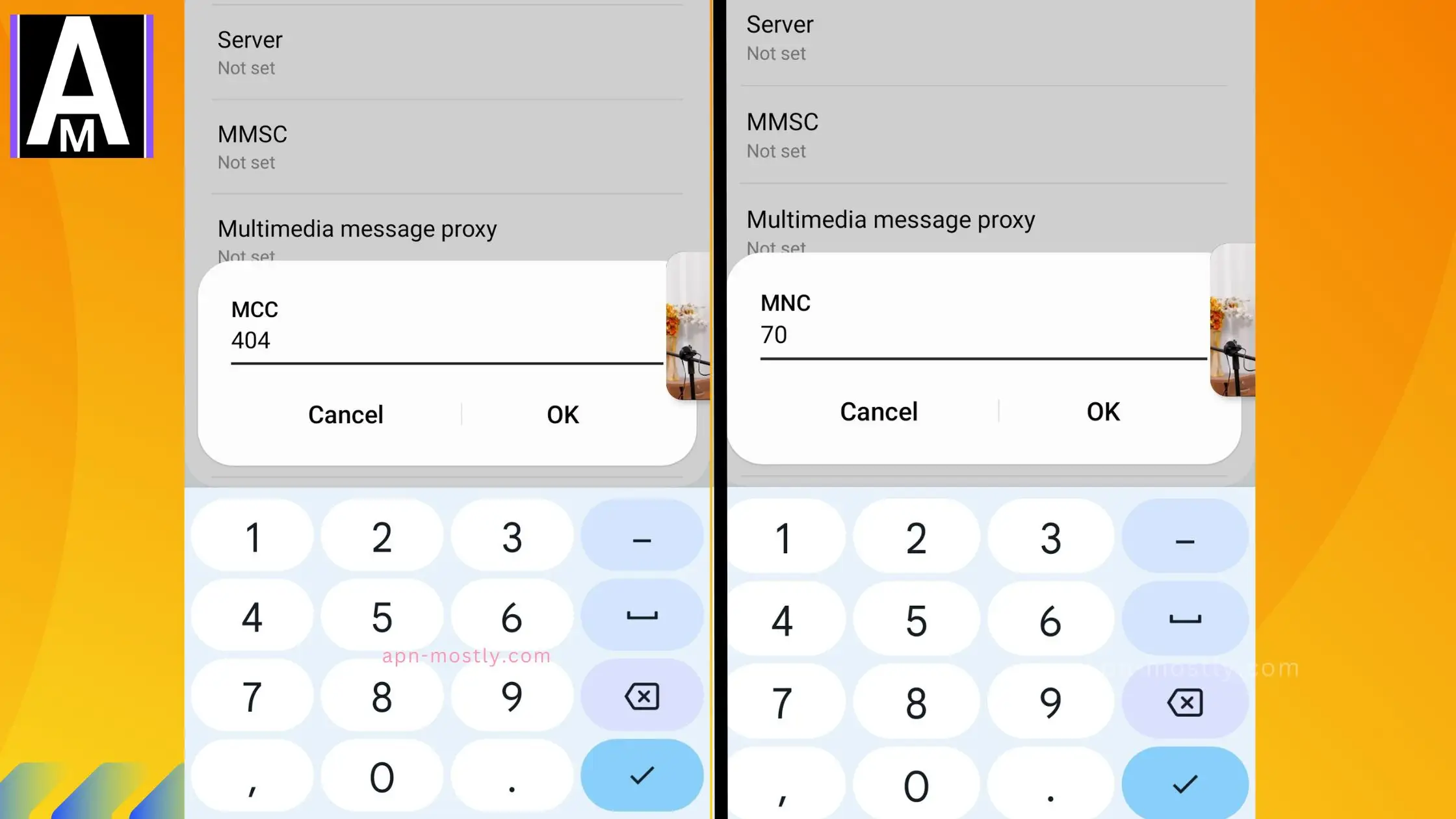
Quick Summary
🔹 MCC (Mobile Country Code): A three-digit code identifying a country’s mobile network.
🔹 MNC (Mobile Network Code): A two- or three-digit code that identifies a specific carrier within that country.
🔹 APN settings require the correct MCC/MNC for mobile data to work.
🔹 Incorrect MCC/MNC values can cause APN settings to disappear, prevent internet access, and affect network stability.
🔹 Some MVNOs (Mobile Virtual Network Operators) share MCCs with parent carriers but require unique MNCs, which can create conflicts if not configured correctly.
🔹 SIM ICC ID digits 5-7 reveal the correct MNC if APN settings are not saving.
What Are MCC and MNC?
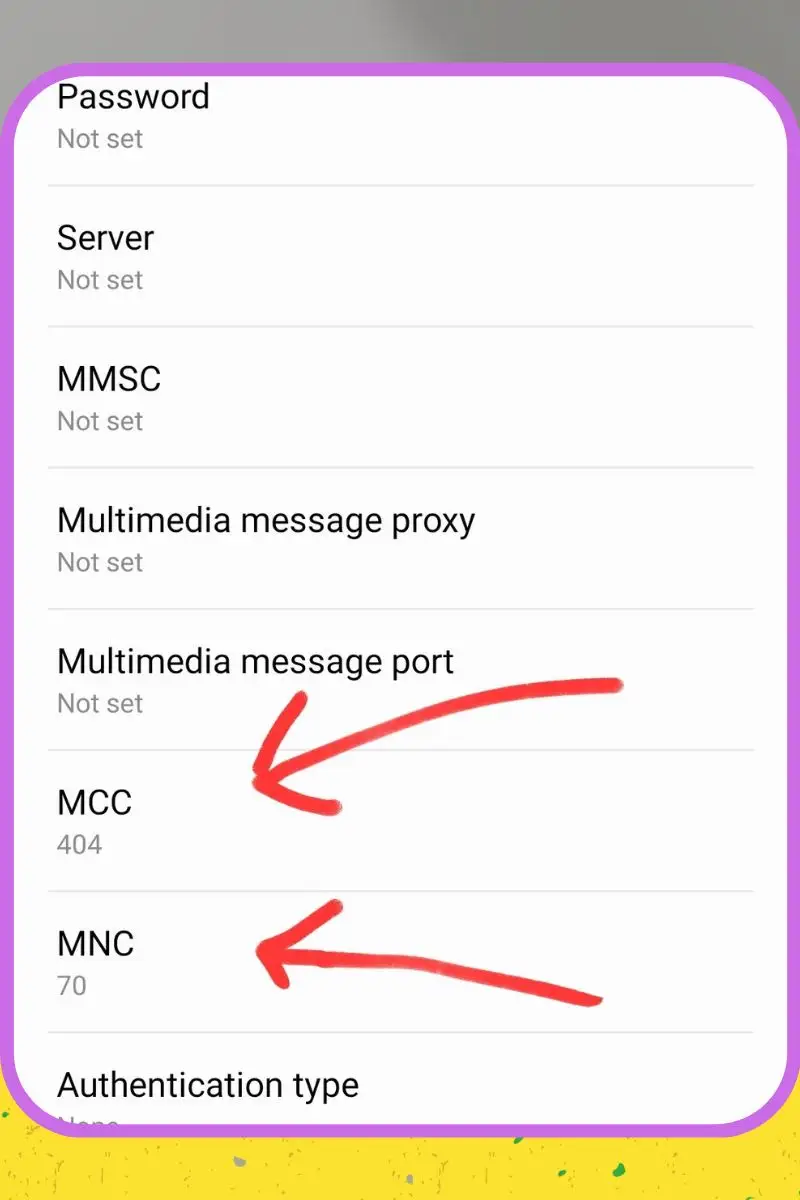
MCC (Mobile Country Code) Explained
MCC is a unique three-digit numeric code assigned to each country. This code helps mobile networks determine where a device is registered.
✅ Examples of MCC values:
- 310 – United States
- 404 – India
- 234 – United Kingdom
- 262 – Germany
MNC (Mobile Network Code) Explained
MNC is a two- or three-digit numeric code that identifies a specific mobile carrier within a country. Each carrier is assigned a unique MNC.
✅ Examples of MNC values:
- 260 – T-Mobile USA
- 10 – Airtel India
- 03 – Vodafone UK
- 01 – Deutsche Telekom Germany
MCC and MNC together form the PLMN (Public Land Mobile Network) ID, which tells your phone which network to connect to.
How MCC and MNC Work in APN Settings
When you enter APN settings on your phone, MCC and MNC values tell your device which carrier to connect to.
📌 If your MCC/MNC is incorrect, your mobile data might stop working.
Here’s how it works:
1️⃣ Your SIM card contains a stored MCC/MNC value.
2️⃣ Your phone checks the APN settings and compares them to your SIM’s values.
3️⃣ If they don’t match, the APN might reset, disappear, or cause network failures.
How MCC and MNC Affect Network Connection
✔ LTE & 5G Compatibility – Ensures proper carrier authentication.
✔ Roaming & Carrier Switching – Prevents roaming issues by identifying the right carrier.
✔ VoLTE, MMS, and Mobile Hotspot – MCC/MNC must be correct for these services to function properly.
✔ MVNOs (Mint Mobile, Visible, Lycamobile, etc.) – Require the correct MCC/MNC settings to avoid connectivity issues.
📌 Example: Mint Mobile (an MVNO) shares T-Mobile’s MCC (310) but has a unique MNC (260). If incorrectly set to 240, mobile data might fail.
Where to Find Your MCC and MNC?
📍 On Android:
- Go to Settings > About Phone > SIM Status > Network Information.
📍 On iPhone:
- Go to Settings > General > About > Network.
📍 In APN Settings:
- Go to Settings > Mobile Network > Access Point Names (APN).
✅ If MCC/MNC fields aren’t visible, use an online MCC/MNC lookup tool.
Why MCC and MNC Are Important in APN Configurations
✔ Ensures APN settings are properly recognized by the carrier.
✔ Prevents network misidentification (especially for MVNOs).
✔ Fixes APN settings that keep disappearing.
✔ Improves internet stability, VoLTE, and hotspot performance.
🚀 Reddit Case Study: A user on r/Android found that incorrect MCC/MNC values caused their APN settings to vanish after each reboot. Fixing this resolved the issue.
Common Problems Caused by Incorrect MCC/MNC in APN Settings
| Issue | Cause | Solution |
|---|---|---|
| No internet access | Wrong MNC/MCC in APN settings | Update MCC/MNC values in APN |
| APN settings disappearing | MNC mismatch with SIM ICC ID | Use MNC from ICC ID (digits 5–7) |
| Roaming not working | Incorrect MCC value | Set correct MCC & enable roaming protocol |
| Slow mobile data speeds | Network confusion (e.g., Sprint/T-Mobile merger) | Manually select the correct network in settings |
How to Fix MCC/MNC Errors in APN Settings?
1️⃣ Manually Enter the Correct MCC/MNC
- Go to Settings > Mobile Network > Access Point Names (APN).
- Edit your APN and enter the correct MCC/MNC.
2️⃣ Check Carrier-Recommended APN Settings
- Visit your carrier’s official website or contact support.
3️⃣ Reset APN & Reconfigure It
- Settings > Mobile Network > APN > Reset to Default.
- Re-enter the correct MCC/MNC and save.
4️⃣ Use Custom APNs for MVNOs
- Mint Mobile, Lycamobile, Visible require specific MNC values.
📌 Example: Mint Mobile users found better speeds when manually setting MNC to 260 instead of 240.
Final Thoughts – Why MCC and MNC Matter for a Stable Mobile Connection
If your mobile data isn’t working, don’t just assume it’s an APN issue—your MCC/MNC values might be incorrect.
🚀 Key Takeaways:
✔ Double-check your SIM’s MCC/MNC values.
✔ Ensure your APN settings match your network’s requirements.
✔ If your settings keep disappearing, check your SIM ICC ID for the correct MNC.